


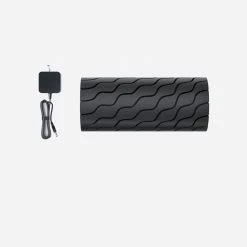
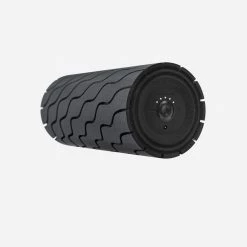


Best Sale 👍 ELECTRONICS TheraGun G4 Wave Roller 🔔
Original price was: $149.00.$95.99Current price is: $95.99.
- We take quality seriously.
- Control the delivery date and try to deliver it in the fastest time
- Have the best deals
- Safe Payments for a Better Shopping Experience
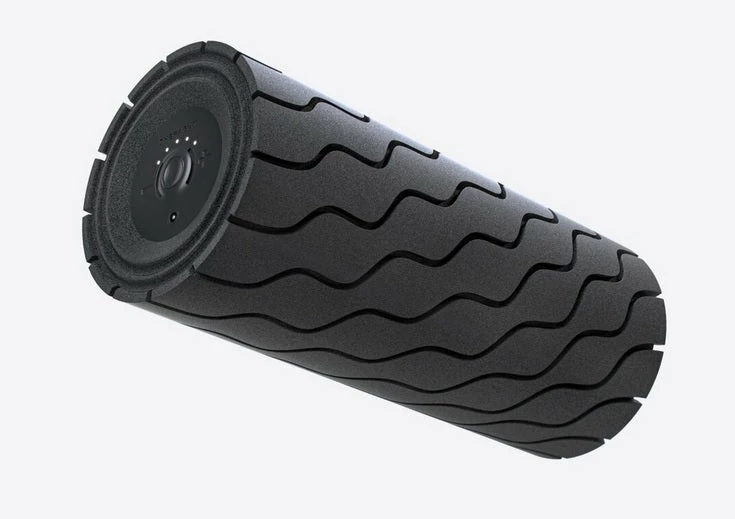
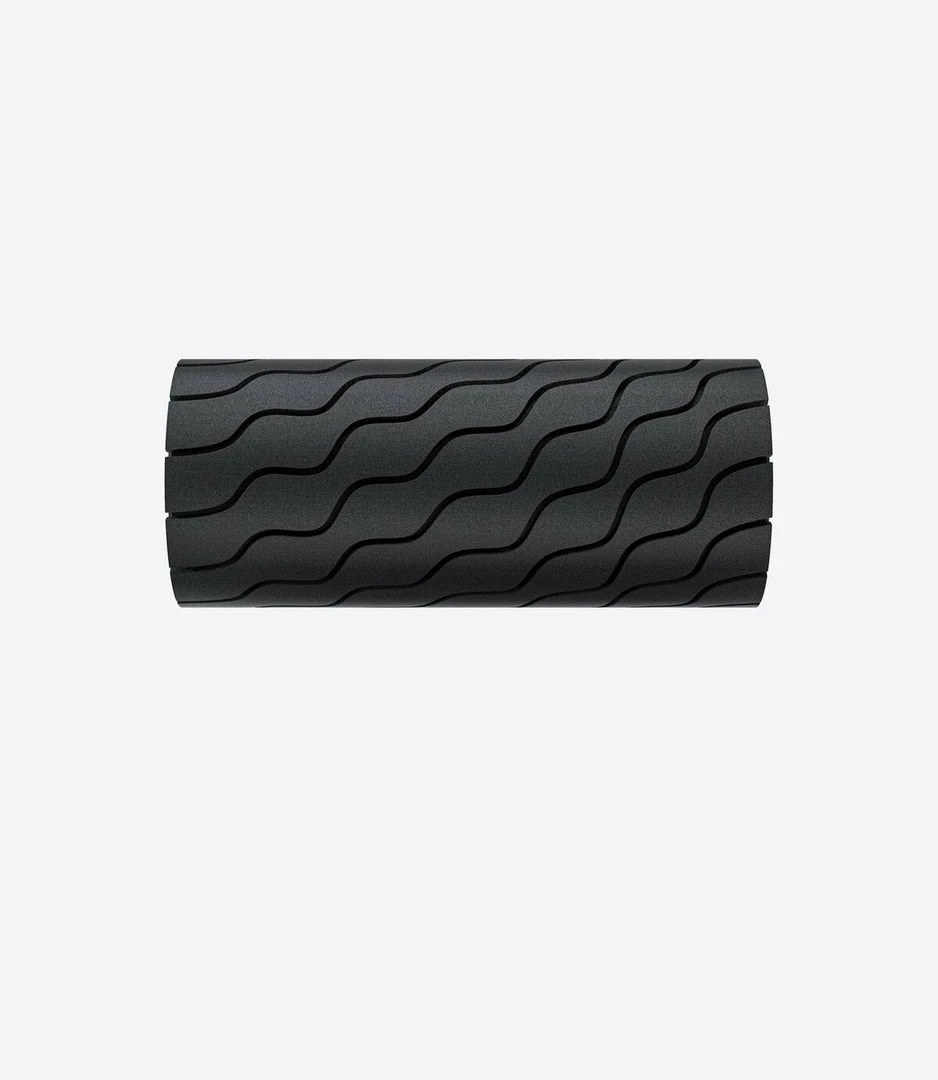
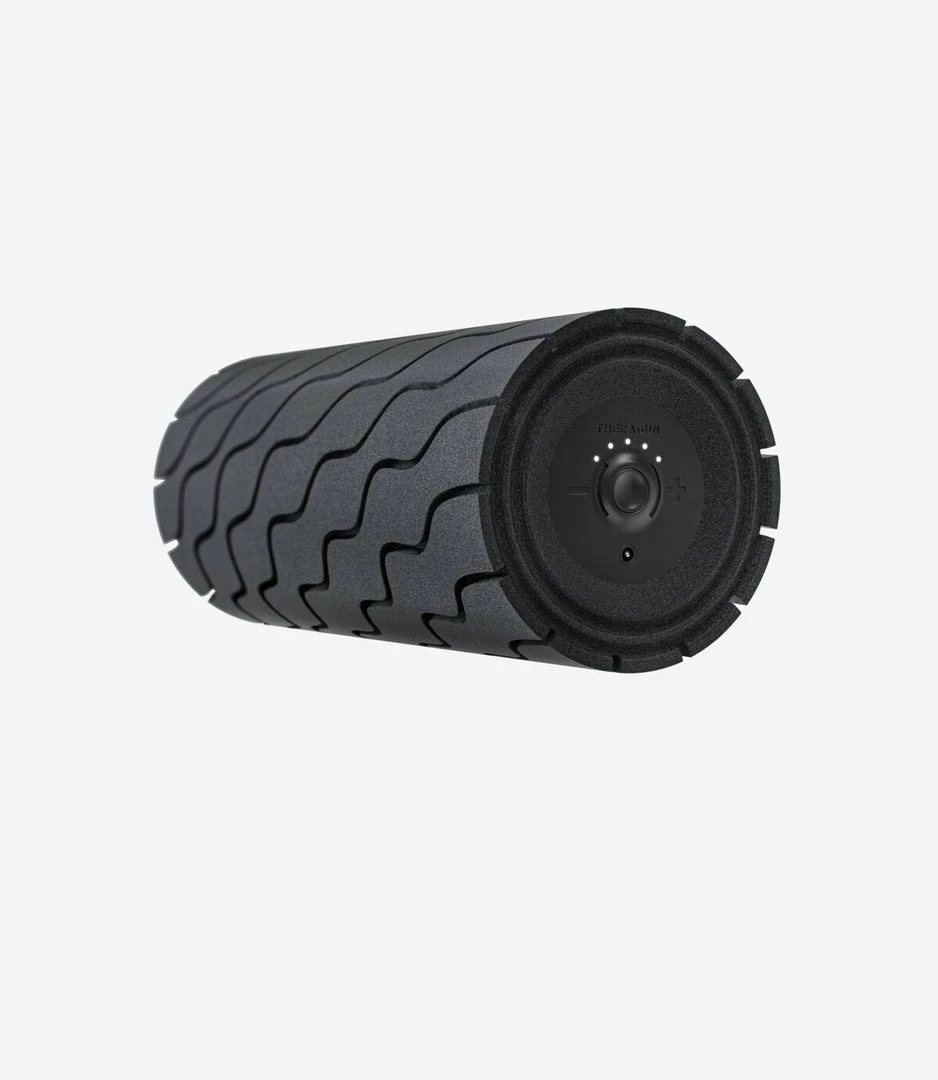
The TheraGun G4 Wave Roller combines powerful vibration therapy and an innovative wave texture to deliver the most powerful, efficient full-body foam rolling experience. The TheraGun G4 Wave Roller is a Bluetooth® enabled vibrating foam roller that allows you to connect to the Therabody app for personalized recovery routines, releasing tension and increasing mobility where you need it most.
Wave Roller Features
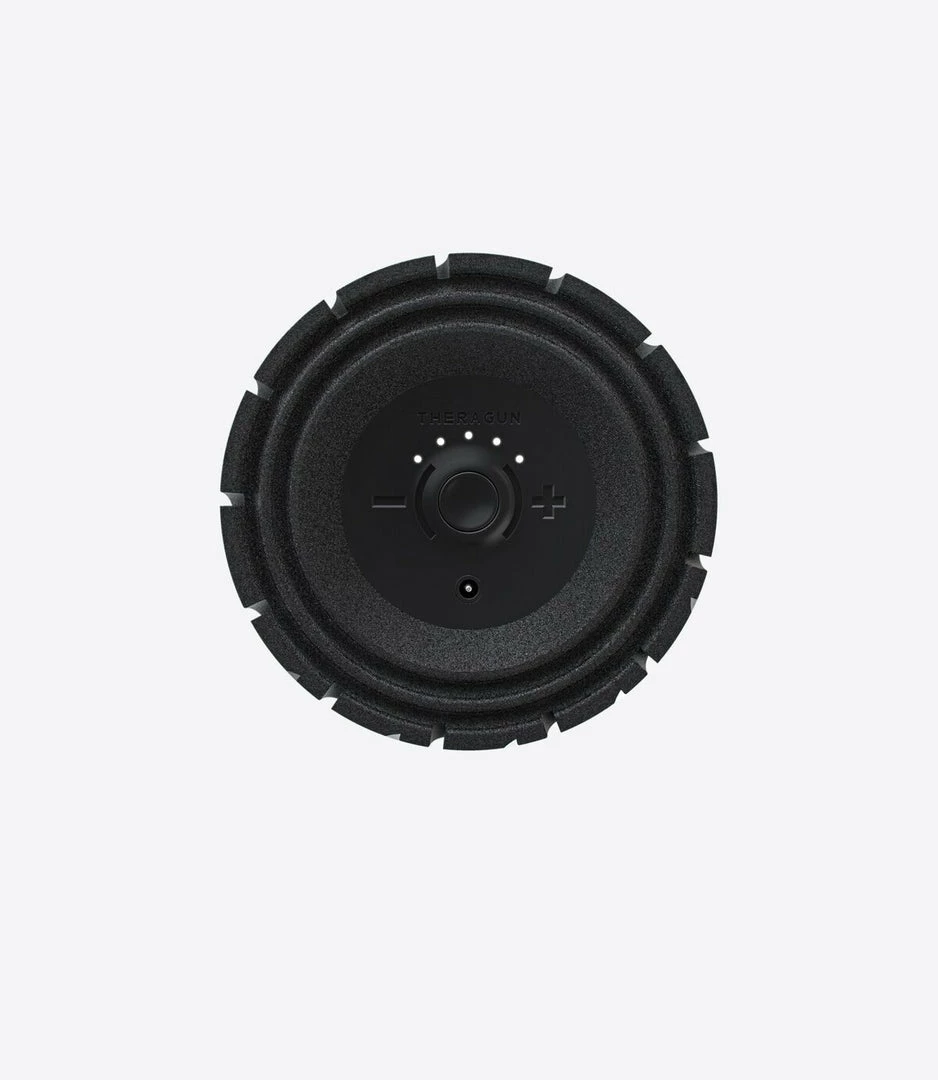
- 5 Speed Settings – Controlled through the app or on the device
- 3-Hour Battery Life – Longer battery life for sustained use without worrying about charging
- Hypo-Allergenic EVA High-Density Foam – An innovative material offering full-body support
- 12 Inches Long – Designed for full-body use on a variety of body types
- Bluetooth® Connectivity – Seamlessly pairs with the Therabody App for speed control and customized routines.
Specifications
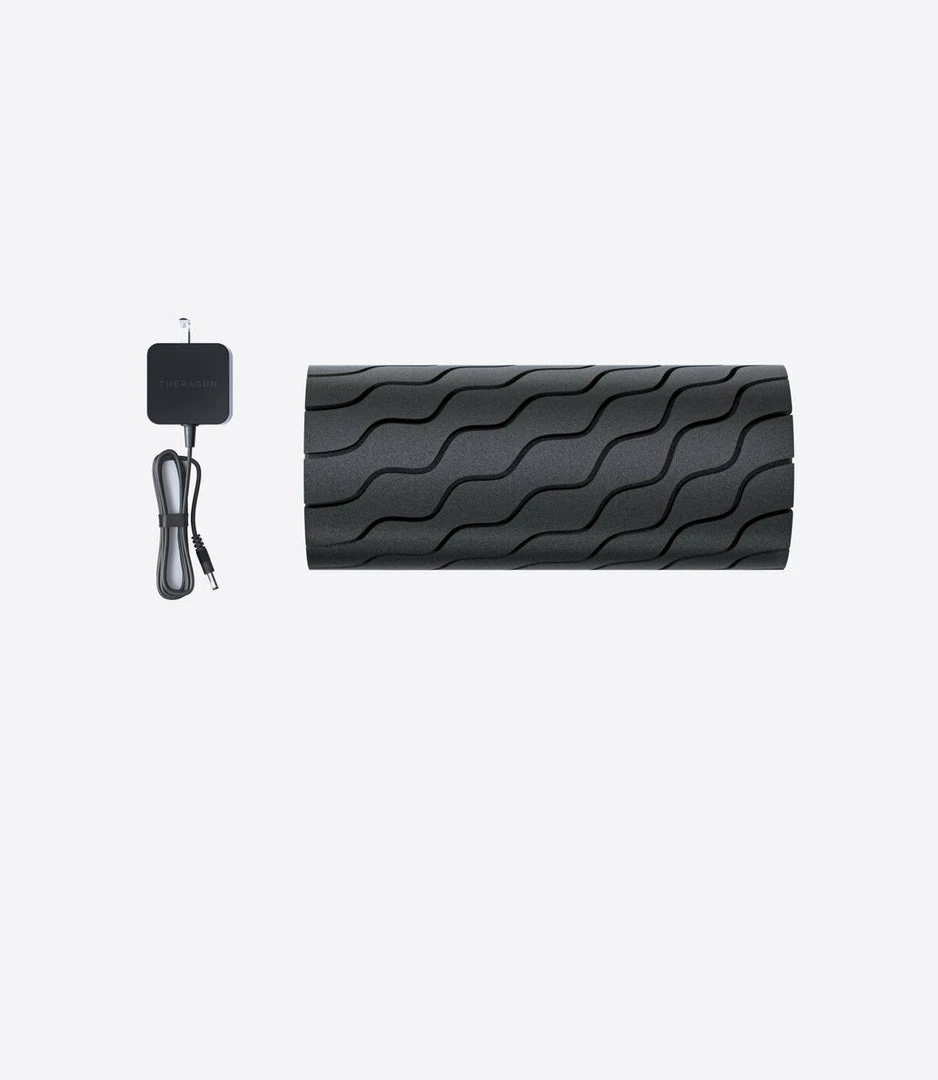
What’s Included – Wave Roller, Deluxe Carrying Bag and Power Adapter
- Accessory Compatibility – Multi-Device Wireless Charger
- Dimensions – 12.0 in x 5.1 in (30 cm x 13 cm)
- Weight – 3.3 lbs (1.5 kg)
- Material – Hypo-allergenic EVA high-density foam
- Battery Life and Charge Time – 180 minutes
- Battery Type – 12V Internal Lithium-ion Battery
How-to Guide
Using the Wave Roller
1. To turn on the Wave Roller, firmly press and hold the power button for 1-2 seconds.
2. Wave Roller will start on the lowest of five settings. To increase speed, short press the plus button until the desired speed is active.
3. Place the device under the treatment area gradually applying light to moderate pressure as needed.
4. To turn off the Wave Roller, firmly press and hold the power button until the device turns off.
Battery and Charging
1. After turning off the device, plug the power adapter into the charging port.
2. The LED light on the power button will flash until fully charged.
3. Charging is complete when the LED light on the power button is solid green.
4. Battery level is continuously displayed on the LED light of the power button when the device is on. To view battery level when the device is off, briefly press the power button and the LED battery light will flash to indicate the battery level.
Be the first to review “Best Sale 👍 ELECTRONICS TheraGun G4 Wave Roller 🔔”
Related products


Reviews
There are no reviews yet.